How to Make a CTV Ad for Your Small Business
By Ian McCue ·

To get your business on TV without spending a lot, try Connected TV (CTV) advertising.
CTV lets small businesses show ads on streaming platforms like Hulu, Roku, YouTube TV, and Amazon Prime. This is where your customers are already watching.
Unlike traditional TV, you can reach specific audiences. You can also track performance and manage your budget. This is similar to how you use Facebook or Google Ads.
Here's a step-by-step guide for creating a professional, affordable CTV ad that delivers results.
Step 1: Start With a Simple Goal
Ask yourself one clear question:
What do I want people to do after watching my ad?
Examples:
- Visit my website or store
- Book an appointment
- Call for a quote
- Try a new product or service
Your goal should shape the whole ad. A single clear message is much more effective than trying to communicate too much at once.
Step 2: Know Who You're Talking To
CTV ads help you reach specific audiences. You can target specific groups. For example, you might choose "women aged 25–45 within 10 miles who like fitness." Another option is "homeowners interested in solar."
Before creating your ad, define your ideal customer:
- What problem does your product or service solve for them?
- What feelings drive them to buy: saving time, looking better, feeling safer?
Understanding this helps you connect directly to their needs in your short 30-second video.
Step 3: Write a Simple Script That Tells a Story
You don't need an expensive agency or a lengthy script. The best CTV ads are straightforward and personal.
Use this simple structure:
- Hook (first 3–5 seconds): Grab attention. "Tired of wasting money on energy bills?"
- Problem (5–10 seconds): Show you understand their pain. "Most homeowners don't realize how much they lose through poor insulation."
- Solution (10–20 seconds): Introduce your business. "At CoolHome, we seal your home properly so you stay cool and save hundreds a year."
- Call to Action (last 5 seconds): Tell them what to do next. "Book your free estimate today at CoolHome.com."
That's all! Short, clear, and conversational.
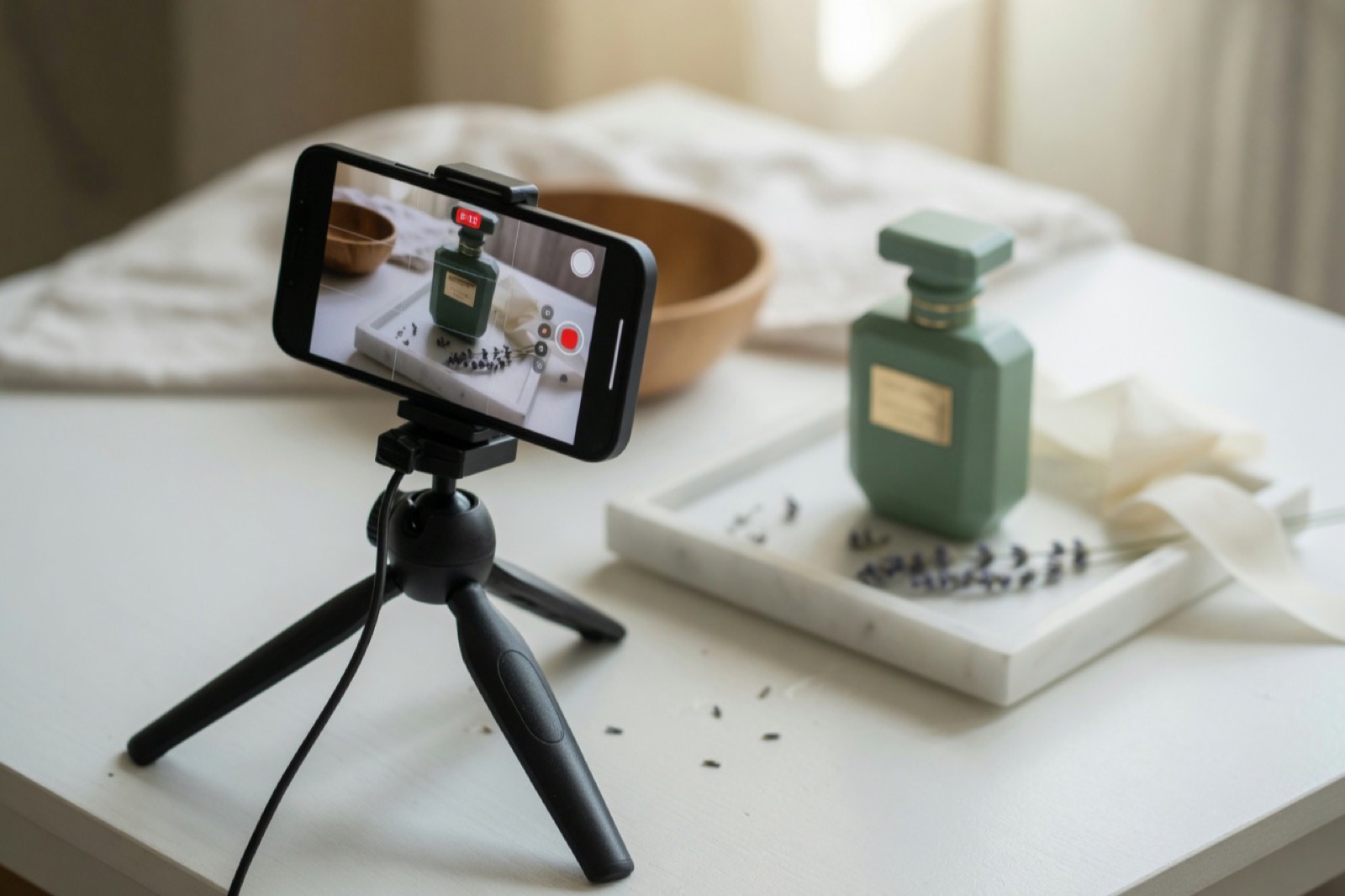
Step 4: Film on a Budget (Yes, Your Phone Works!)
You can definitely shoot your CTV ad yourself. Here's how to make it look professional:
- Lighting: Face a window or use a ring light. Good lighting is crucial.
- Sound: Record in a quiet space. Clear audio is more important than fancy visuals.
- Camera: Modern smartphones shoot in HD. Use a tripod or stable prop.
- Branding: Show your logo or storefront early. Viewers should recognize your business quickly.
If you prefer, you can hire a local videographer for a few hundred dollars. They can help edit and enhance your footage.
Step 5: Keep It Short and Professional
Most CTV platforms accept:
- Length: 30 seconds
- Format: MP4 or MOV
- Resolution: 1080p (standard HD)
Use free tools like CapCut, Canva Video, or iMovie to trim clips, add text, and insert your logo or website. Keep transitions smooth and avoid loud or distracting background music.
Step 6: Run Your Ad With TrustedTV
Once your video is ready, go to TrustedTV. This platform helps small businesses run their ads through Amazon DSP easily.
TrustedTV allows you to:
- Target your ideal audience by location, interests, or behaviors
- Set your own budget and schedule
- See where your ad is running
- Track results like ad views, completion rates, and conversions
Designed for small businesses: simple, clear, and affordable. You upload your ad and set your targeting. Trusted TV takes care of the rest. It ensures your message shows on premium streaming content through Amazon DSP.
Step 7: Measure What Works
The best part about CTV is that you can track results such as:
- View completion rate (how many people watched the full ad)
- Website visits or conversions
- Audience engagement and location data
Use this information to improve your next ad. Test different openings, change the call-to-action, or highlight a new product. You'll get smarter and more effective with each campaign.
Step 8: Reuse Your Video Everywhere
After creating a great CTV ad, maximize your investment by reusing it:
- Post it on Instagram Reels, TikTok, or YouTube Shorts
- Add it to your website homepage
- Include it in your email newsletters
- Run it as a Facebook or Instagram video ad
You'll gain more exposure without creating more content.
Final Thoughts
CTV ads used to be for well-known brands with substantial budgets. Now, small businesses can afford to be on the same screens: smart TVs, streaming apps, and living rooms everywhere.
With a clear message, a short video, and good targeting through TrustedTV, your business can stand out.